Features · On the Standard plan
Two-way Outlook email sync for your CRM
Stop copying emails into the CRM. Connect your Outlook mailbox once and every conversation with a contact appears on their record, for the whole team to see, while you keep working in Outlook as normal.
What you get
Mail on the timeline
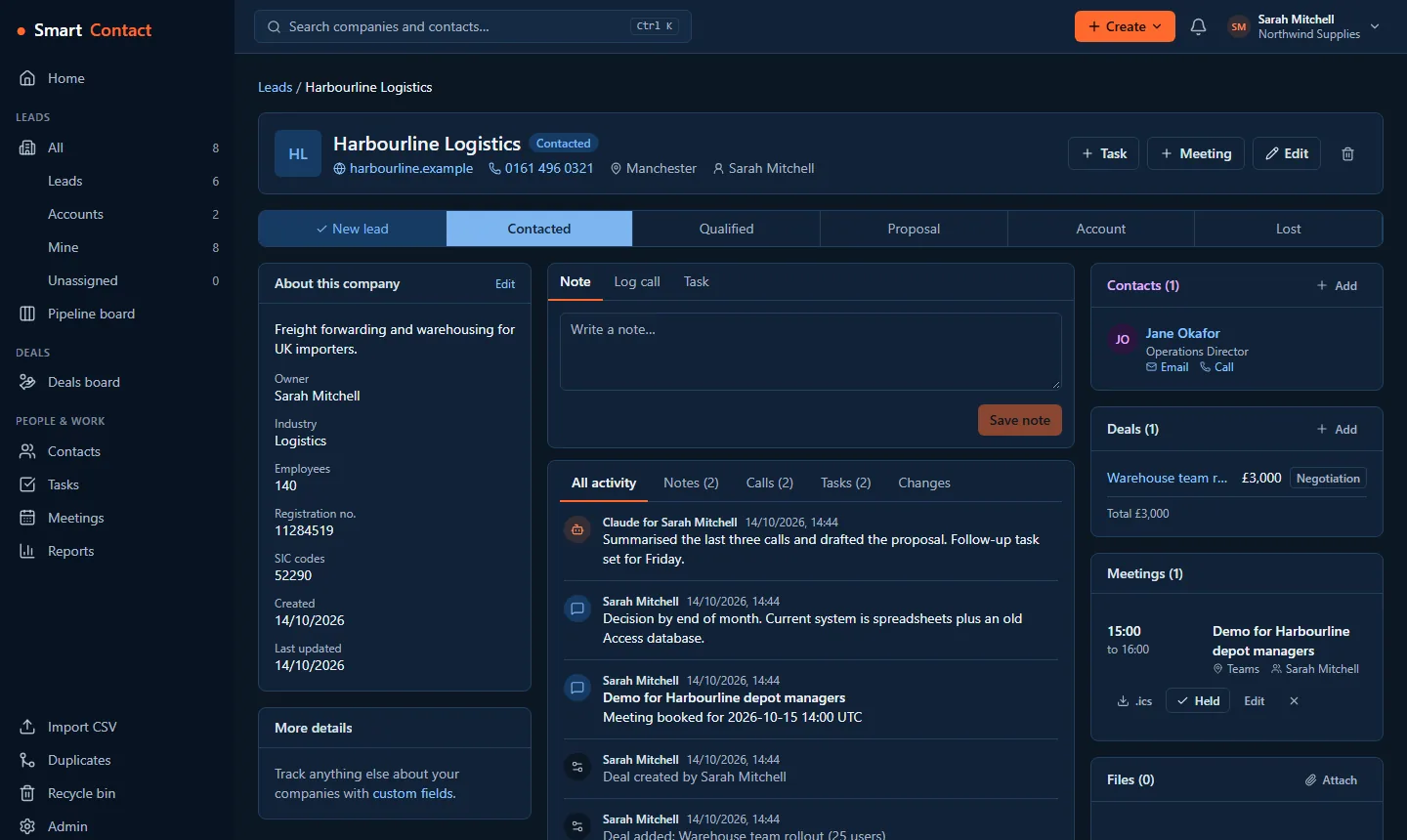
Email you send to or receive from a contact appears on that person's timeline, usually within a minute or so. The first sync brings in the last 30 days.
Send and reply from the CRM
Write or reply from a contact's page. It goes from your own mailbox and address, and shows in your Outlook Sent Items.
Only mail with contacts
SmartContact copies only messages that involve a contact in your workspace. Everything else in your mailbox stays private to you.
Encrypted and shared with your team
Copied mail is encrypted, and colleagues in your workspace can see it on the contact, so anyone can pick up a conversation.
Powers follow-up sequences
The same connection sends your follow-up email sequences, and a reply stops the sequence for that person.
Approved once by IT
If your organisation needs an admin to approve new apps, SmartContact gives you a link to send them. They approve it once for everyone.
Set it up
- Open Settings › Profile and choose Connect Outlook.
- Sign in with Microsoft and allow the mail permissions.
- Open any contact: recent email is already on their timeline, and you can reply from there.
Questions
Which plan includes Outlook email sync?
Standard, at £10 per user per month or £100 per user per year, plus VAT. Each person connects their own mailbox.
Does it work with Gmail?
Two-way sync is for Microsoft 365 and Outlook.com today. On every plan, including Gmail users, you can log any email by BCC or by forwarding it to your personal SmartContact address.
Can my colleagues read my whole inbox?
No. Only messages to or from contacts in your workspace are copied, and they are shown on those contacts' records.
Does it sync my calendar too?
Calendar sync is a separate connection on Standard: meetings you book in SmartContact go into Outlook or Google Calendar, with a Teams or Google Meet link if you want one.
Pricing
Basic is free for up to 2 users and 500 companies. Standard is £10 per user per month (or £100 per user per year) with unlimited users and companies. Your first workspace gets Standard free for 30 days, no card needed. Prices exclude VAT.
Related: Email templates and sequences · Calls, tasks and reminders · GDPR and consent tools · All features