Features · On every plan, including free
Companies House lookup built into your CRM
Typing company details by hand is slow and full of mistakes. Find the company on the official register instead, and SmartContact fills in the details for you.
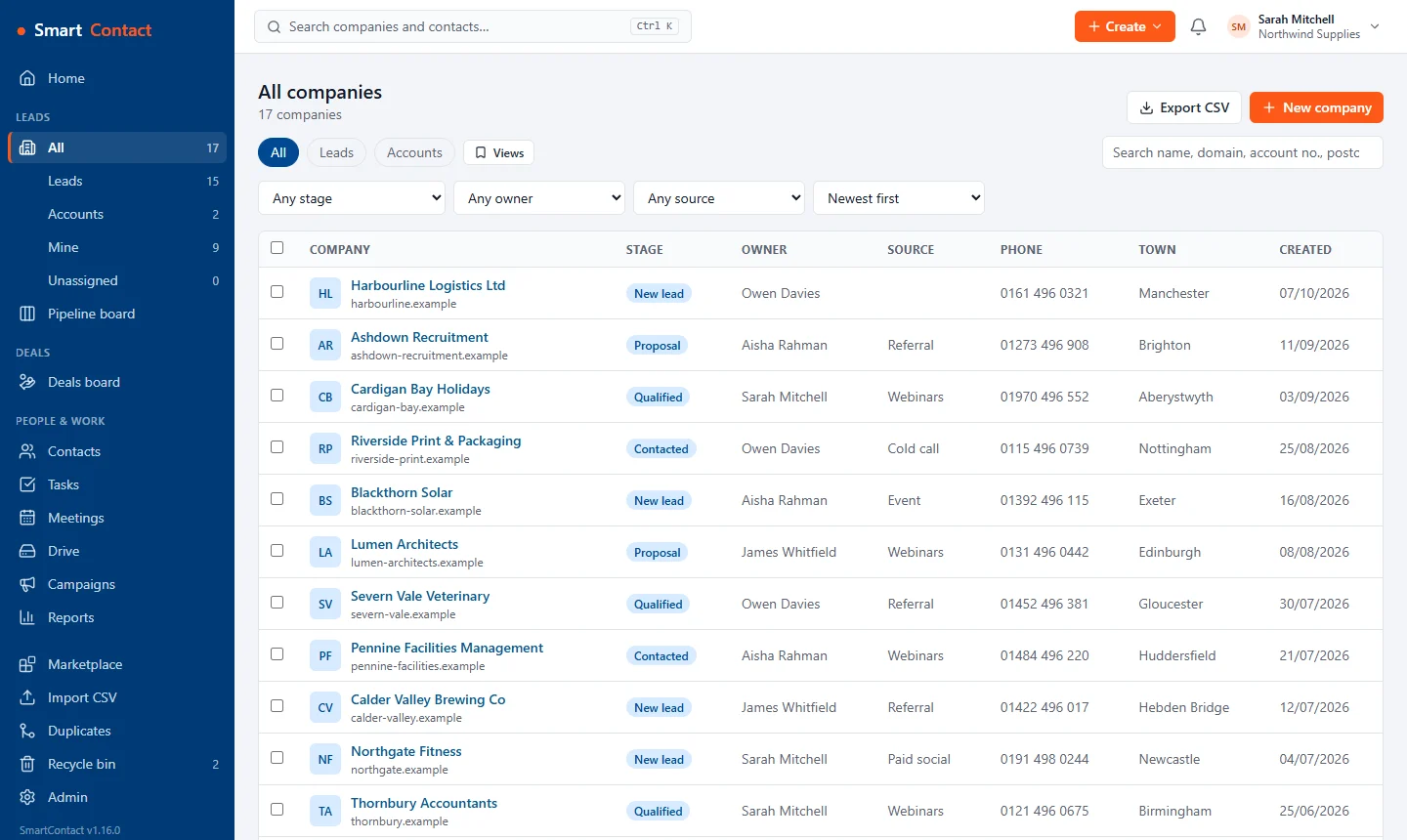
What you get
Search by name or number
Start typing a company name or its Companies House number and pick the right one from the register.
Details filled in for you
The registered name, company number, registered office address and SIC codes go straight into the form. Check them, then save.
Names that read properly
Register names arrive in capitals; SmartContact tidies them, so ACME WIDGETS LTD becomes Acme Widgets Ltd.
Better data from day one
The company number makes records easy to match, so duplicates are easier to spot and your team calls the right business.
Set it up
- Open Companies and choose New company.
- Choose Find on Companies House and type a name or number.
- Pick the company, check the filled-in details and save.
Questions
Does Companies House lookup cost extra?
No. It uses the free public register and is on every plan, including the free Basic plan.
Do I need my own Companies House API key?
No. SmartContact looks the company up for you; there is nothing to set up.
Does it work for sole traders?
The register covers limited companies, LLPs and other registered bodies. Sole traders and partnerships aren't on it, so add those by hand.
Pricing
Basic is free for up to 2 users and 500 companies. Standard is £10 per user per month (or £100 per user per year) with unlimited users and companies. Your first workspace gets Standard free for 30 days, no card needed. Prices exclude VAT.
Related: Import from another CRM · Web-to-lead forms · Sales pipeline · All features