Features · On every plan, including free
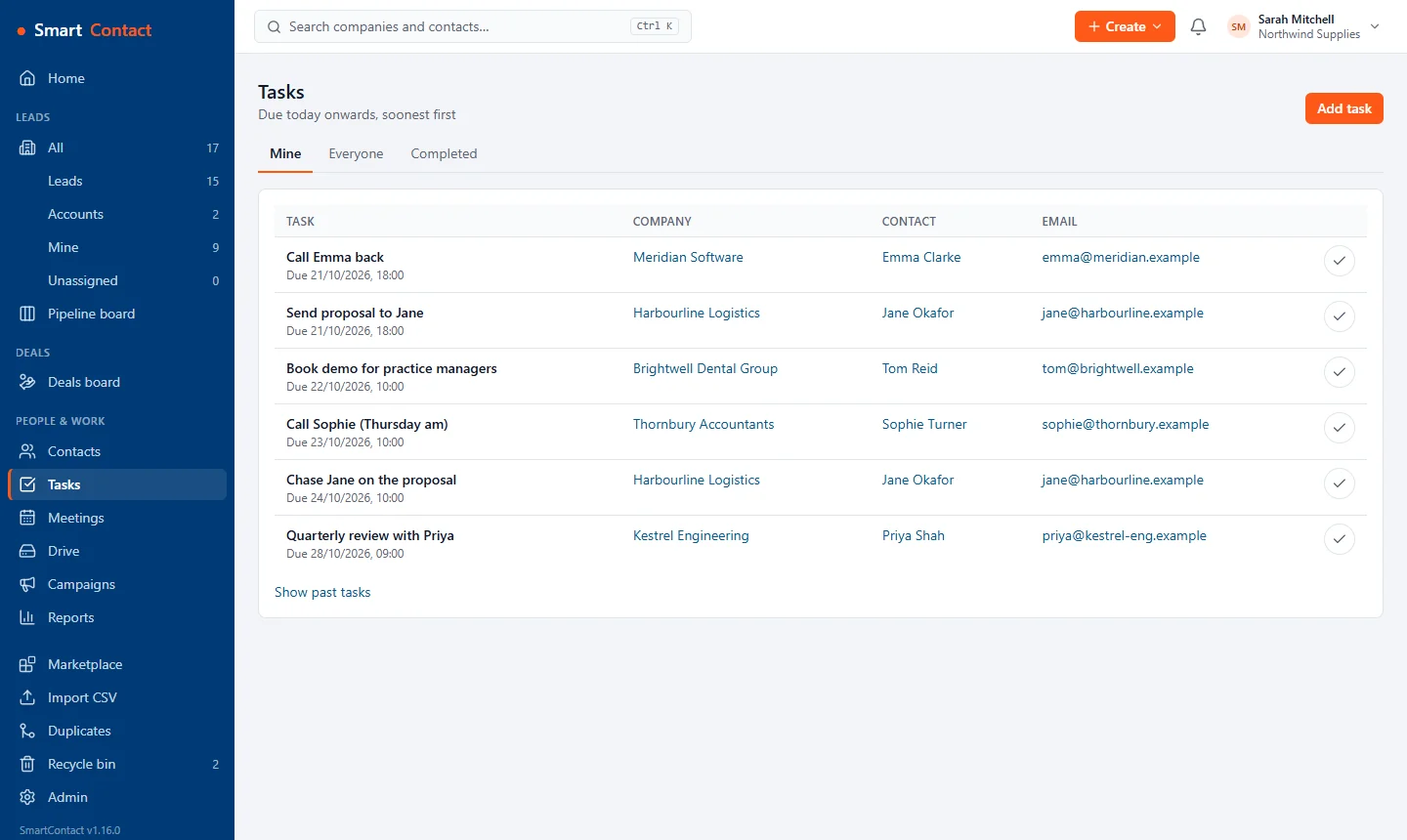
Call logging, follow-up tasks and reminders
Most small-business sales is calls and follow-ups. SmartContact makes logging them quicker than writing a sticky note, and makes sure the follow-up actually happens.
What you get
Two-click call outcomes
Pick how the call went, add a note and a follow-up date. The task is created for you.
Reminders that reach you
Due tasks pop up on screen, appear in the bell and arrive by email. Installed on your phone, SmartContact can send reminder notifications too.
Today's list
Your home page shows today's tasks and overdue follow-ups first.
Calls from your phone system
Install the free Teams Phone or 3CX plugin and calls land on the right contact's timeline by themselves.
@mention a colleague
Type @ in a note to bring a teammate in; they get a notification with a link.
Set it up
- Open a company and choose Call in the box at the top of its timeline.
- Pick the outcome and a follow-up date.
- Start each day from Home: today's follow-ups are at the top.
Questions
Do I need a phone plugin to log calls?
No. Anyone can log a call by hand on any plan. The Teams Phone and 3CX plugins log them automatically.
Can I get reminders by email?
Yes. Reminders appear on screen and in the bell, and are emailed to you as well.
Pricing
Basic is free for up to 2 users and 500 companies. Standard is £10 per user per month (or £100 per user per year) with unlimited users and companies. Your first workspace gets Standard free for 30 days, no card needed. Prices exclude VAT.
Related: Workflow automation · Email templates and sequences · Sales pipeline · All features