Features · On every plan, including free
Simple workflow automation for your CRM
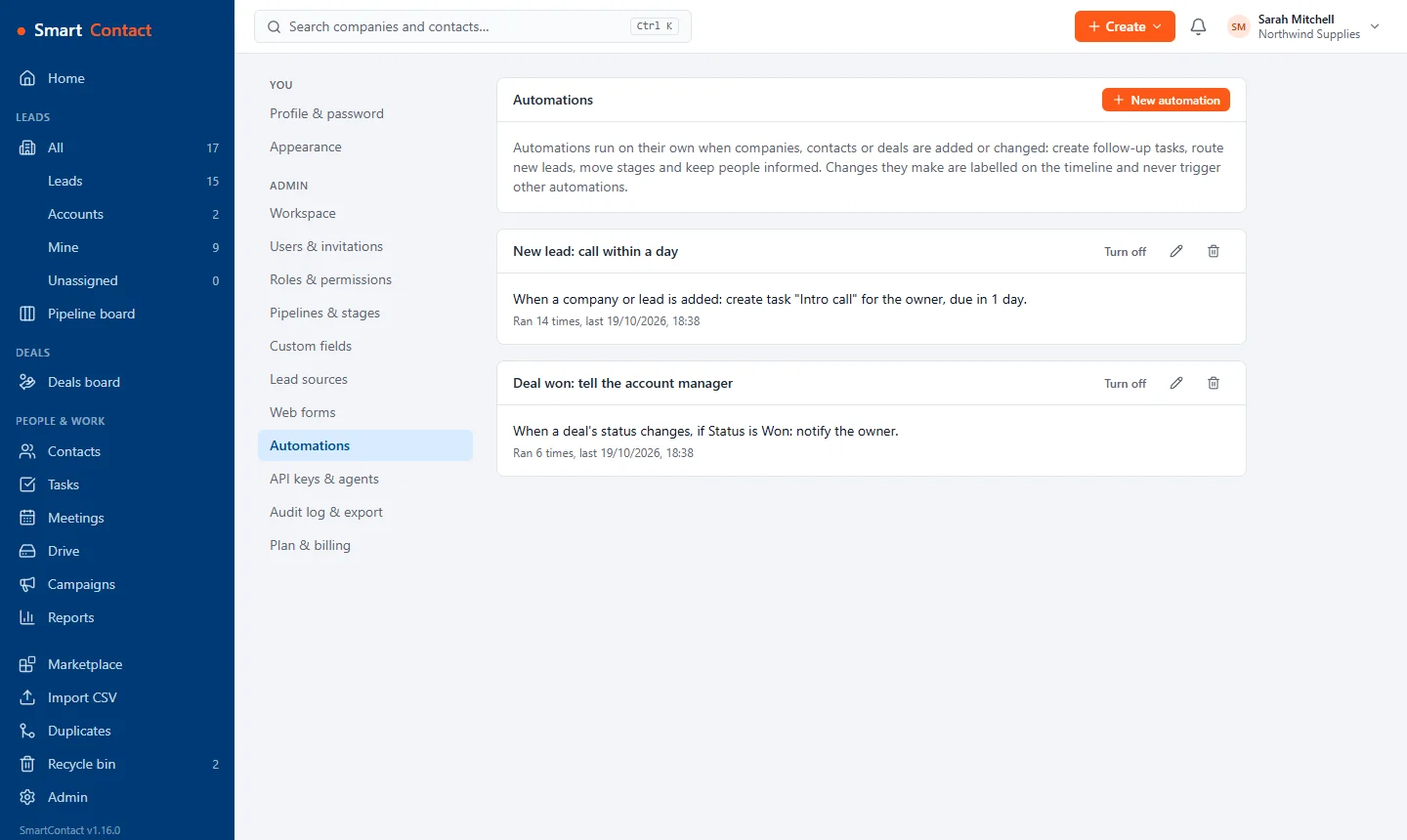
Rules do the routine chasing so your team doesn't have to remember it. They are plain when-this-then-that rules anyone can set up.
What you get
When something happens
Trigger on new companies, contacts or deals, or when a stage, owner or field changes.
Only when it matters
Add conditions, such as only deals over a value or only leads from a certain source.
Then do the work
Create a task with a due date, assign an owner, move the stage, set a field, add a note, notify someone or start an email sequence.
Clearly labelled
Everything a rule does is labelled on the timeline, and rules never trigger each other, so nothing loops.
Set it up
- Open Settings › Automations and choose New rule.
- Pick the trigger, add any conditions and the actions.
- Switch it on; the next matching change runs it.
Questions
How many rules can I have?
Five active rules on the free Basic plan, unlimited on Standard.
Can automations send emails?
On Standard, a rule can start an email sequence from your connected mailbox.
Pricing
Basic is free for up to 2 users and 500 companies. Standard is £10 per user per month (or £100 per user per year) with unlimited users and companies. Your first workspace gets Standard free for 30 days, no card needed. Prices exclude VAT.
Related: Calls, tasks and reminders · Web-to-lead forms · Email templates and sequences · All features